Bring everyone's bookmarks into one shared library
Your team's links already exist — scattered across a dozen browsers. Import the standard bookmarks file every browser exports, and its folders, tags and save dates land in your shared workspace exactly as they were organized.
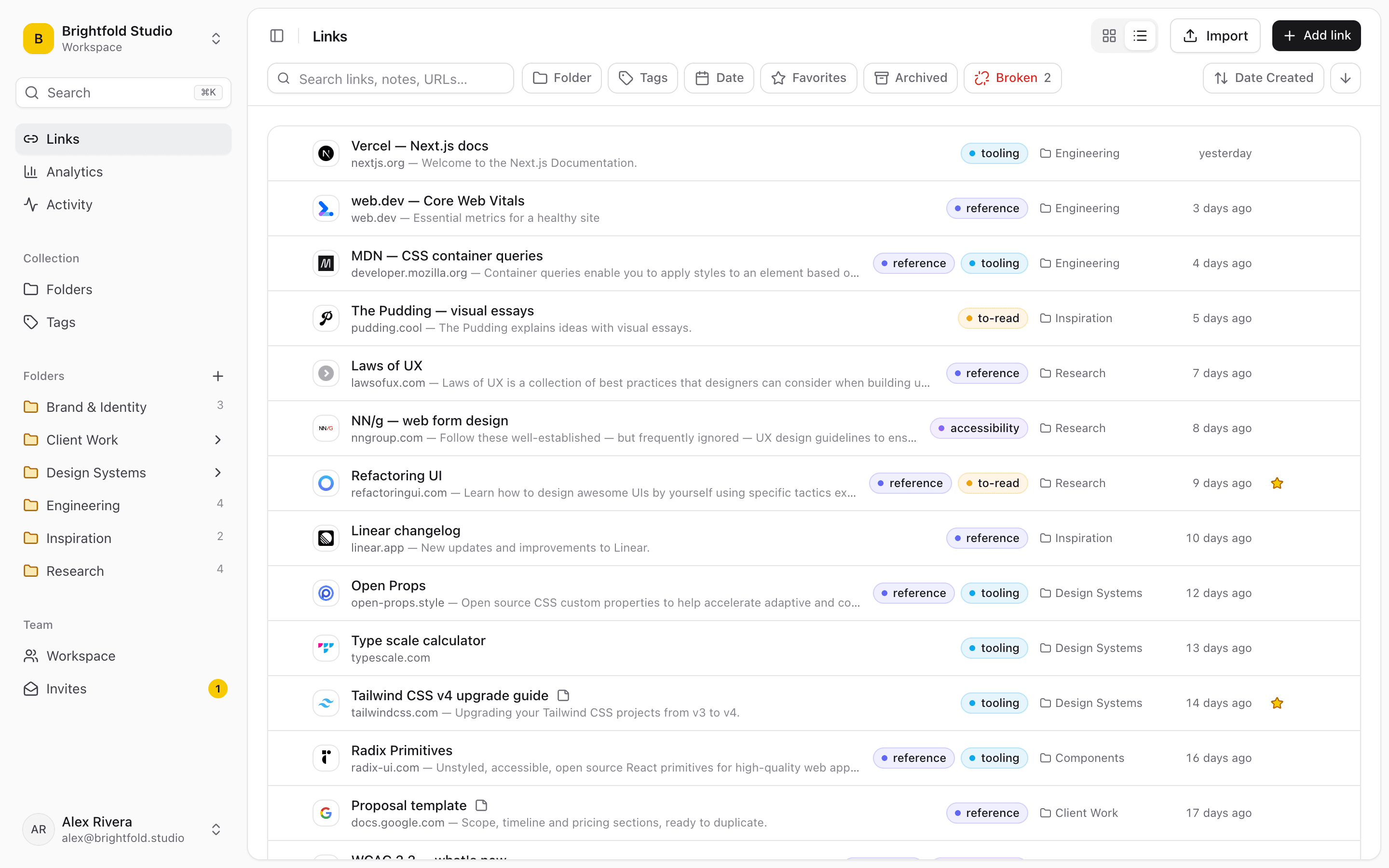
What you can import
Linkbry reads the bookmarks HTML file that every major browser exports, plus CSV — so exports from other bookmark tools come across too.
- Chrome, Firefox, Safari, Edge, Brave and Arc bookmark exports
- CSV files, including Pocket- and Raindrop-style exports
- Nested folders, tags and original save dates are kept
- Links already in the workspace are skipped, so re-importing doesn't create duplicates
- Up to 20,000 links per file
Onboard a whole team in an afternoon
Ask each teammate to export the work bookmarks they rely on and import them into the right folder. Duplicates are skipped automatically, so the shared library ends up with one copy of each link — then tidy the rest with bulk move, tag and archive.
Plan limits
Import respects your plan's link limit. The Free plan holds 100 links, so importing a larger file brings in what fits and tells you what was skipped; the paid plan has no link limit. Owners and editors can import.
Export whenever you want
Your links are never locked in. Any member can export the workspace as an HTML bookmarks file (with nested folders, tags and dates) that any browser can import, or as a CSV that includes notes, folder paths and status.
Start organizing your links today
Free forever for one person. No credit card needed.