Campaign links and client resources, finally organized
Marketing teams juggle landing pages, ad examples, campaign references, analytics dashboards and editorial calendars — usually across a Slack thread, a spreadsheet and somebody's browser. Linkbry keeps them in one place the whole team can reach.
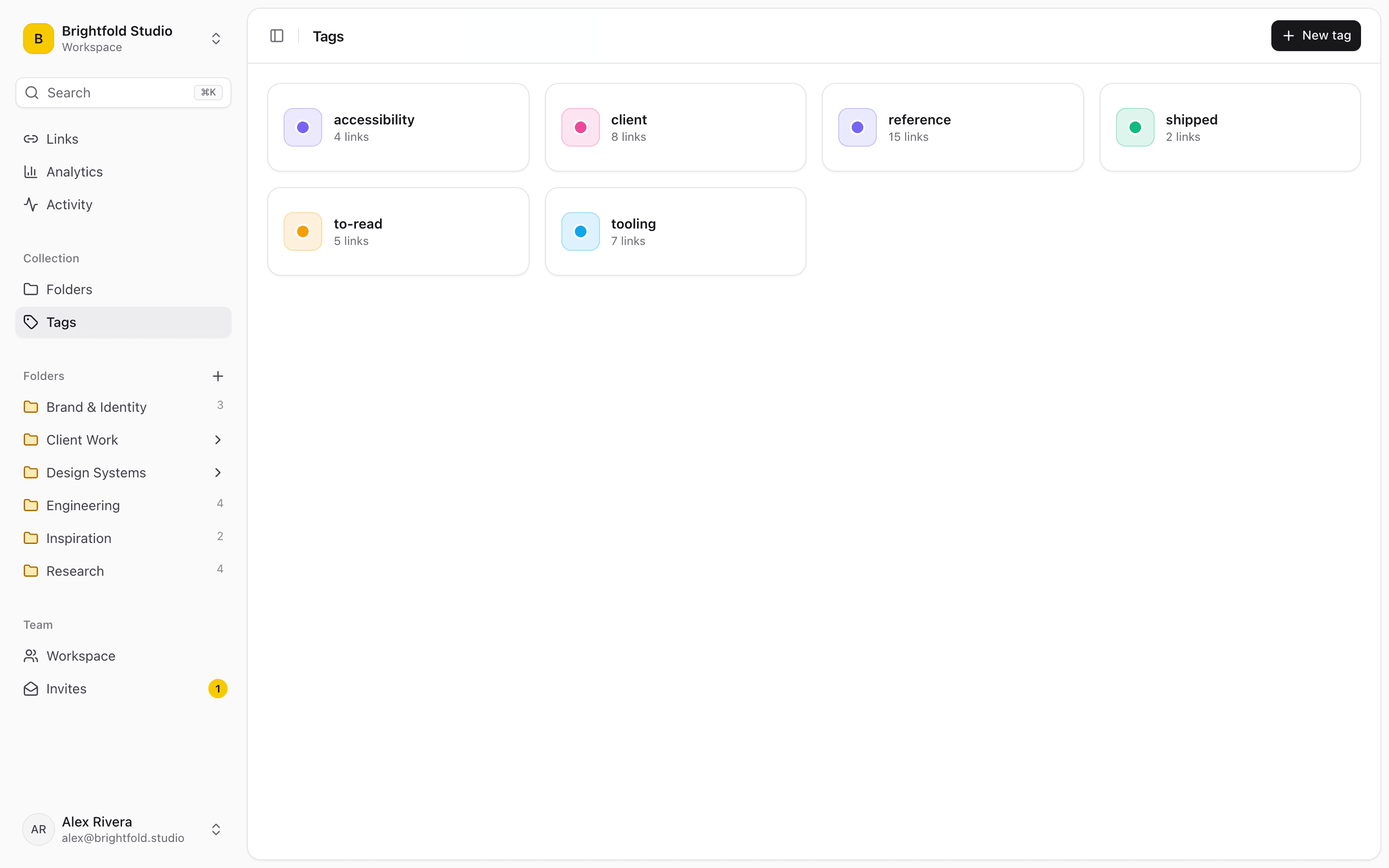
Organize by campaign, channel or client
Folders map onto how campaigns are actually run. Tags cut across them for the things a folder can't express — the channel, the funnel stage, whether something is a candidate or already shipped.
- A folder per campaign, channel or content pillar
- Competitor research the whole team can see
- Ad examples and landing pages you want to learn from
- See which resources teammates actually open
Swipe files that don't rot
An inspiration folder is only useful if adding to it is frictionless. One click from the extension — or right-click any link on a page — is the difference between a swipe file you maintain and one you abandon in month two.
Share with clients without re-sending links
Publish a client's folder as a read-only page — reports, dashboards, assets, subfolders included — and send one link instead of fifteen. For clients who need ongoing access, run a separate workspace and invite their team as free viewers.
“We replaced a cluttered database with Linkbry. Our team actually uses it now because saving a link is just one click – not a 5-field form.”
Start organizing your links today
Free forever for one person. No credit card needed.