Tags for everything a folder can't capture
A link lives in one folder, but it's rarely about one thing. Tags are the second axis: multi-select, shared across the workspace, and cutting straight across your folders.
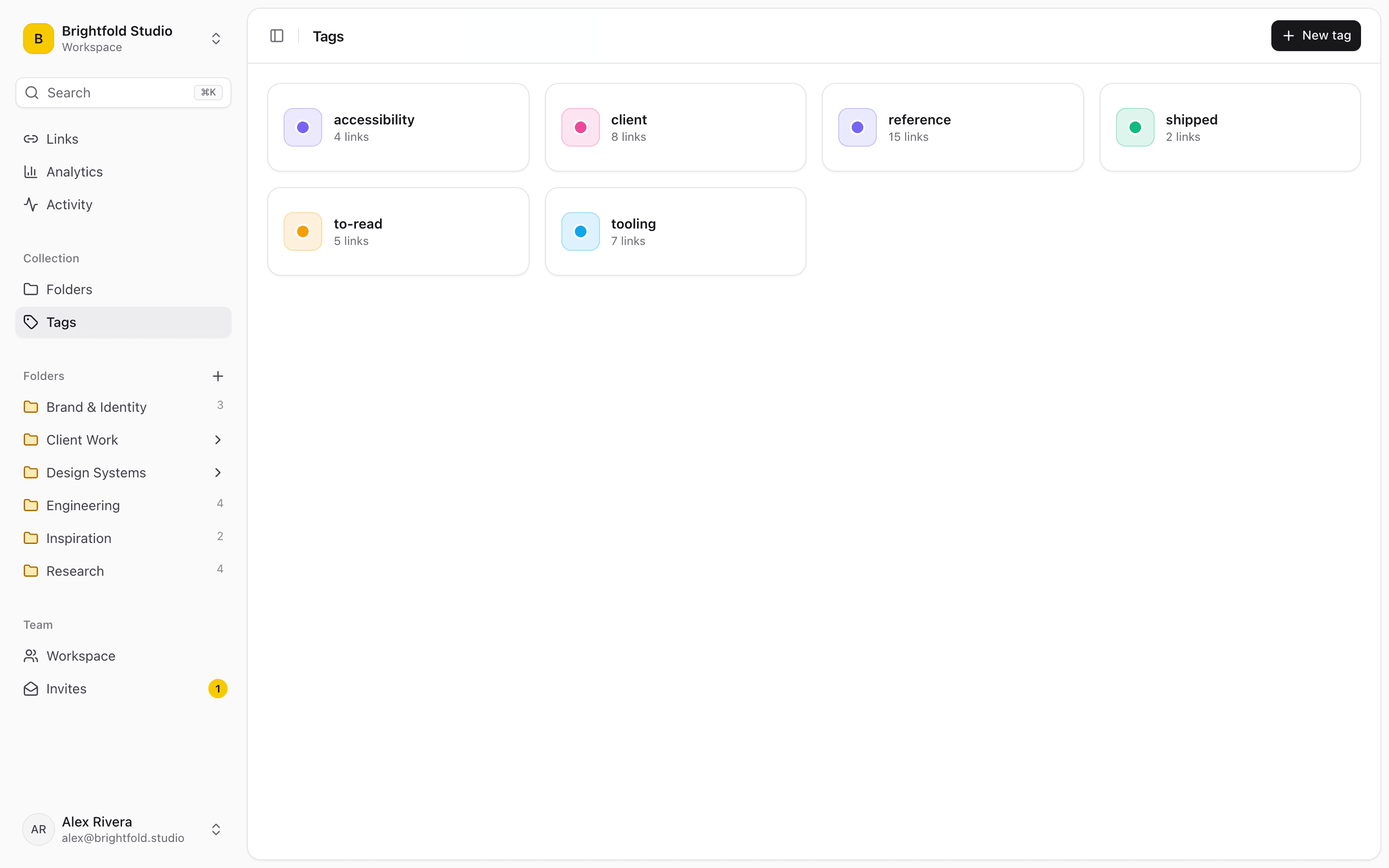
One link, as many contexts as it needs
A pricing page might be competitor research, a design reference and something you owe a teammate an opinion on. Folders make you pick one. Tags let you say all three and find it from any of them.
- Apply as many tags to a link as you like
- Filter the whole workspace by tag in one click
- Tags are shared, so the team builds one vocabulary
- Combine with folder, favorite and date filters
Built for status, not just topic
Teams tend to land on a small set of workflow tags — to-read, reference, onboarding, needs-review — and those turn a link library into something closer to a queue. Filter to one and you have a working list.
Combine with folders and search
Tag filters compose with the folder picker, date sorting and search. Narrowing a few thousand team links to the four you meant takes a couple of clicks, not a scroll through Slack.
Start organizing your links today
Free forever for one person. No credit card needed.