Company wiki vs a shared link library: what a small team actually needs
When a small company starts losing track of information, the reflex is to set up a wiki. Often the real problem is narrower: nobody can find the links — to tools, dashboards, docs and portals — that already exist. Those two problems have different fixes.
Last updated
Quick answer
A wiki is for knowledge you write down: processes, decisions, how-tos. A shared link library is for pointers to things that live elsewhere: tools, dashboards, docs, vendor and client portals. Most small teams need the second one first — and when they do get a wiki, it works better with the links kept out of it.
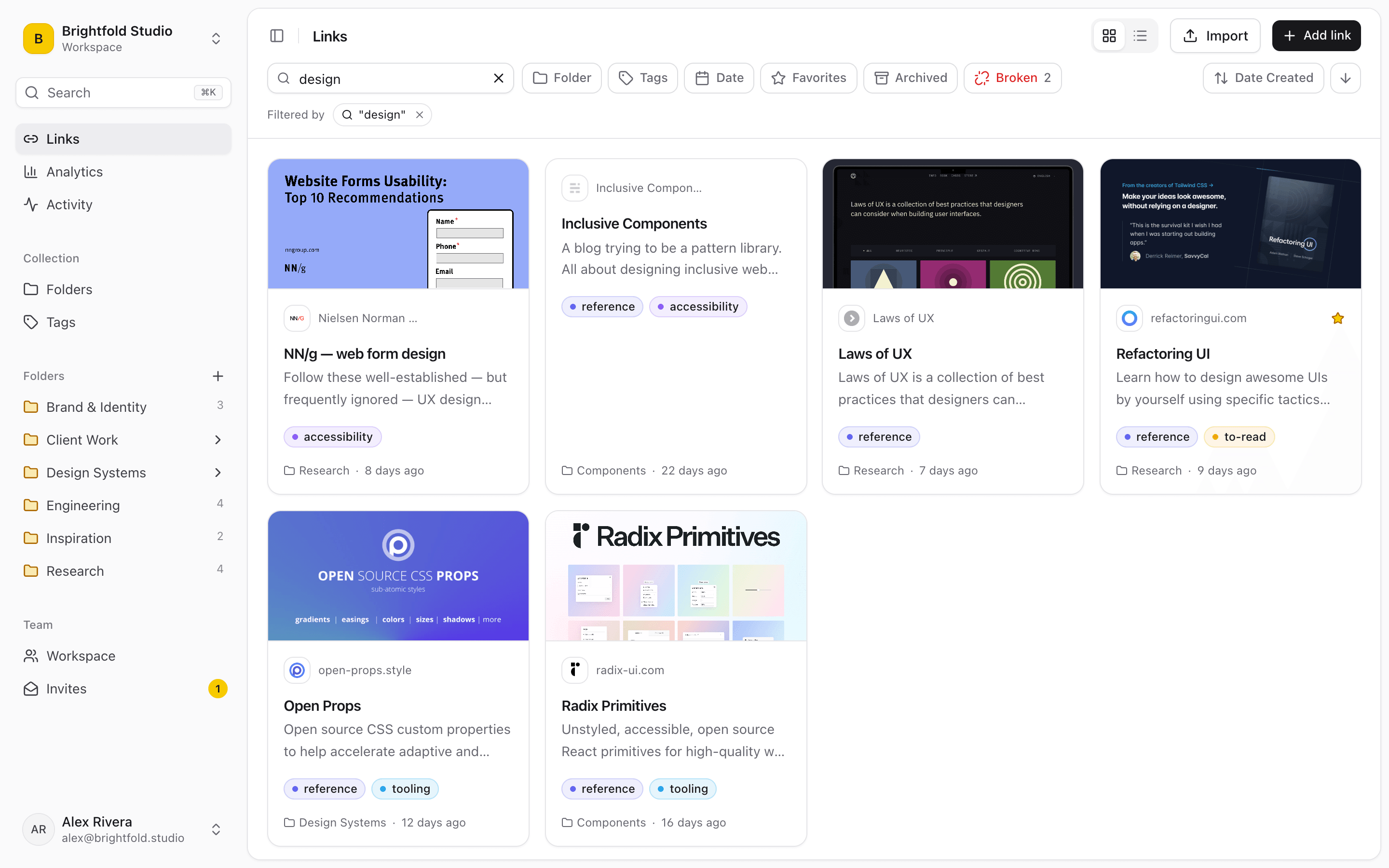
What a company wiki is good at
A wiki (Notion, Confluence and similar) is the right home for knowledge that only exists because someone wrote it down: how you run a release, why a decision was made, the steps to handle a refund. It rewards writing and structure, and it takes ongoing effort to keep true.
What a shared link library is good at
Most of what a team needs to find already lives in another tool — a dashboard, a Google Doc, a Figma file, a vendor portal, the repo. What's missing is a reliable way to find the link. A shared link library holds those pointers, organized and searchable, without anyone rewriting what's behind them.
Five signs your problem is links, not knowledge
If these sound familiar, a wiki won't fix them on its own — the information exists, the path to it doesn't.
- “Can you send that link again?” is a daily Slack message
- The same dashboard or doc is re-shared every few weeks
- New hires ask where things are more than how things work
- Your wiki's most-visited page is a list of useful links
- Everyone's browser bar holds a slightly different set of the same tools
Why the “useful links” wiki page goes stale
Almost every company wiki has one. It goes stale because adding to it means stopping work, opening the wiki, finding the page, editing, and saving — so nobody does. Links get added where saving is one click, and found where searching is instant.
Intranet homepage, wiki, or link library?
An intranet homepage is a curated front door for a large organization, usually owned by internal comms. A wiki is a writing tool. A link library is a shared, searchable set of pointers that the whole team maintains. Small and growing companies usually get the most from a link library first, a wiki for written processes second, and an intranet only once they're large enough to need one.
How small teams use Linkbry alongside a wiki
Linkbry is the link library in that setup: one workspace per team or company, nested folders and tags for tools, dashboards and docs, and a one-line note on each link so search finds it by what it's for. Start by importing the bookmarks your team already has — folders and tags come across intact. Anyone saves a link with one click from the Chrome extension, and types ;; in Slack, email or the wiki itself to insert a saved link where they're writing. Viewers are free, so the whole company can read it while only the people who curate it pay.
Frequently asked questions
Only once there are written processes that more than one or two people need to follow. Before that, most small teams get more from one shared, searchable place for the links they already use.
The terms overlap. “Wiki” usually means anyone on the team can edit; “knowledge base” often means curated articles, sometimes customer-facing. Both hold written knowledge rather than links to other tools.
For a small company, often yes — a shared, searchable set of links to tools, docs and policies covers most of what an intranet homepage is used for. Large organizations with internal news and communications still need a proper intranet.
Start organizing your links today
Free forever for one person. No credit card needed.