The new-hire links checklist: every link to give a new employee on day one
Most of a new hire's first week is spent asking where things are. Contracts and laptops get checklists; links rarely do — so they arrive one Slack message at a time. Here's the list of links to have ready before someone's first day, grouped the way new hires actually need them.
Last updated
Quick answer
Before day one, collect every link a new hire needs into one place: their accounts and logins, the handbook and policies, the tools they'll use daily, the dashboards and docs for their role, and a who-to-ask list. Share it as one link on day one — and keep it in a shared space so it stays current for the next hire.
The day-one link list
- Accounts: SSO or password manager, email, calendar, Slack or Teams, HR and payroll portal
- Company basics: handbook, org chart, holiday calendar, expense policy, IT help
- How we work: team rituals, meeting notes folder, project tracker, roadmap
- Tools for their role: every SaaS app they'll log into, with what it's used for
- Dashboards: the metrics their team watches and where they live
- Docs for their first project: specs, designs, repos or campaign briefs
- People: who to ask for what, their buddy or mentor, team directory
- Their first-week plan: the doc or ticket list for weeks one to four
Why links deserve their own checklist
A new hire can't search for something they don't know exists. The dashboard that answers their question, the doc that explains the pricing model, the vendor portal their predecessor used — none of it shows up until someone remembers to send it. A link list makes the invisible parts of the company visible on day one.
Group links by when they're needed
Order matters more than completeness. Week one is about access and orientation; week two onwards is about the job itself. Grouping the list that way keeps the first day from turning into forty open tabs.
- Day one: accounts, handbook, who-to-ask
- Week one: daily tools, team rituals, first project docs
- Month one: dashboards, deeper docs, customer and partner portals
Add a one-line description to every link
“Metabase” means nothing to someone on their second day. “Metabase — weekly revenue and signup dashboards; ask Priya for access” does. The description is what turns a pile of URLs into onboarding.
Keep it somewhere that stays current
The failure mode of every onboarding doc is that it's accurate for exactly one hire. Links change, tools get replaced, dashboards move. The list needs to live somewhere the whole team adds to in the flow of work, not a document one person updates once a quarter.
How teams do this in Linkbry
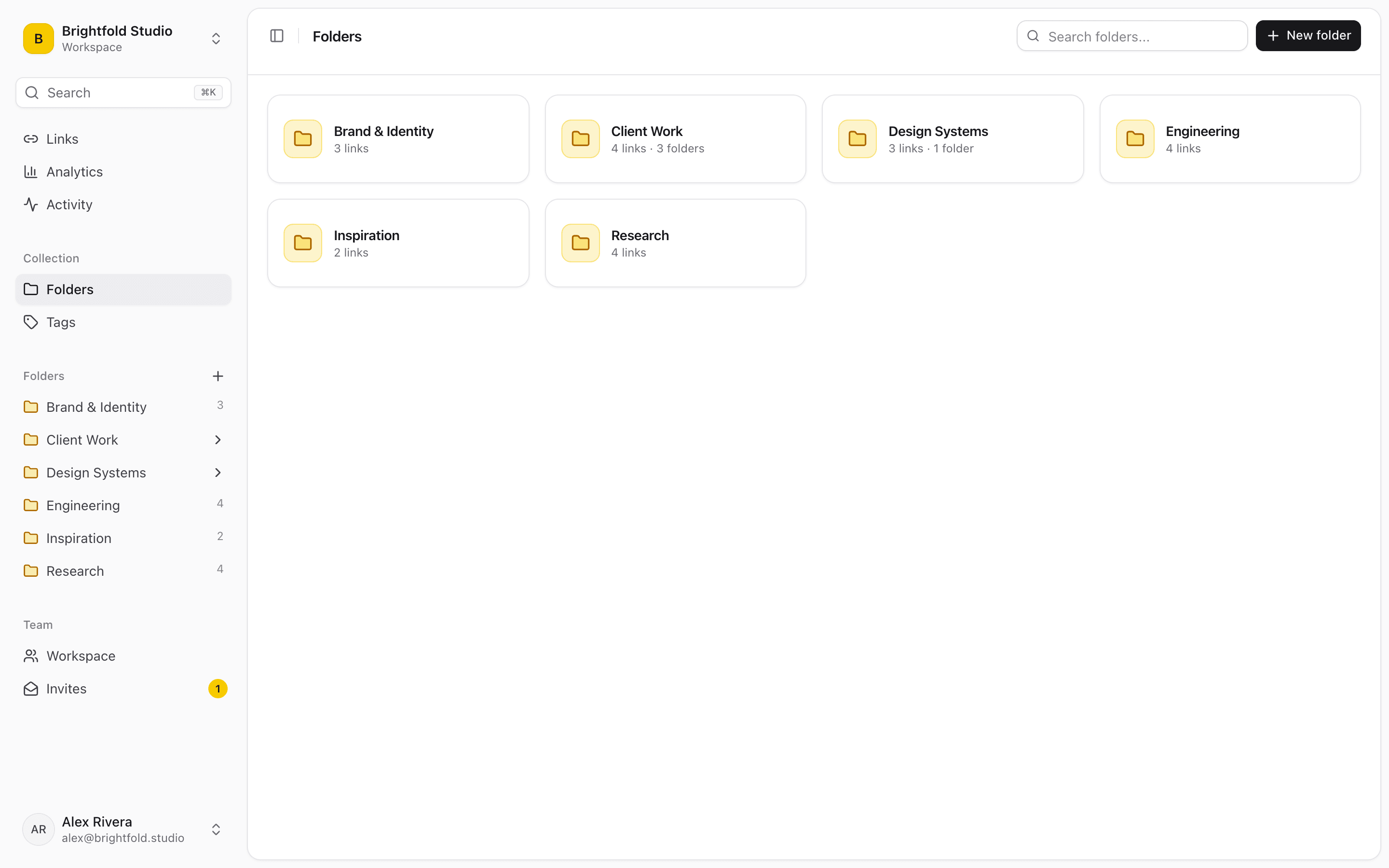
Make a “Start here” folder in your team's Linkbry workspace (with subfolders per week if you like), tag links by week (day-1, week-1, month-1), and write the one-line context in each link's note. Before their first day, share the folder as a read-only link — no account needed. On day one, invite the new hire by email as a viewer, which is free on Pro, or as an editor if they'll be adding links. Everyone on the team saves new links with the Chrome extension as they come up, so the folder is current for the next hire without anyone owning a cleanup project. Analytics show which onboarding links actually get opened, and a background checker flags links that have broken or moved.
Frequently asked questions
Paperwork and equipment, accounts and access, company basics (handbook, policies, org chart), role-specific tools and docs, a first-week plan, and the people to ask. The links to all of those are the part most checklists leave out.
Collect them in one shared place and send a single link on day one, rather than dozens of messages. Keeping it in a shared tool — not a one-off document — means it stays accurate for the next hire.
Store them where the whole team already saves links, give each one a short description, and check which ones actually get used so stale ones can be removed.
Start organizing your links today
Free forever for one person. No credit card needed.